SMILEON / AUDIOSIDESFix one-sided recordings
Choose one recorded channel and copy the same sound to both left and right outputs. This does not reconstruct the original stereo positioning.
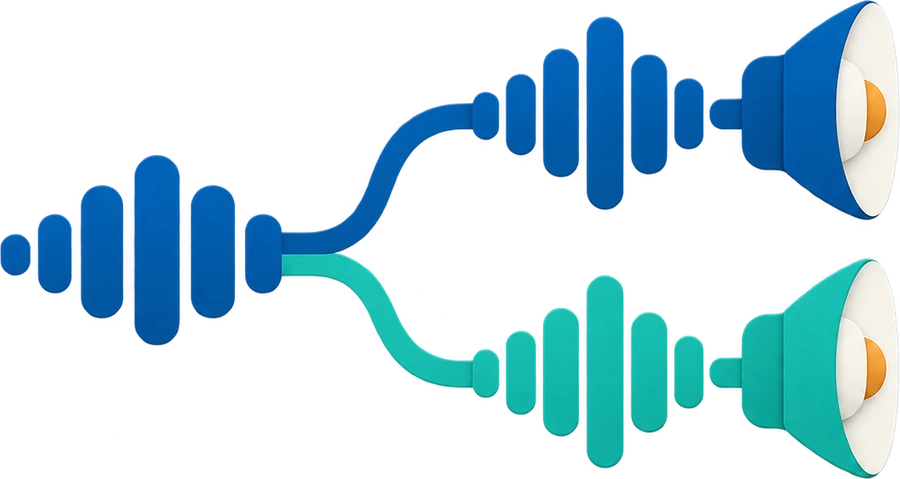 Tool illustration
How to use
- Choose a recording and inspect the suggested channel and waveforms.
- Select the source channel and apply the two-sided copy.
- Compare the original and result, then save a WAV copy.
What this tool does
- Suggested source channel and actual per-channel waveforms
- Identical sound in both output channels from the selected source
File and processing limits
- Accepts WAV, MP3, M4A and OGG; codec support depends on your browser.
- Up to 50 MB and 20 minutes, with a 128 MB decoded-audio memory cap. Your device may need shorter recordings.
- Results are PCM 16-bit WAV copies. Format and file size can differ from the source, and the copy may be larger.
- A completely silent source channel cannot be applied. Output is dual mono: two identical channels.
File processing and privacy
Files are processed on your device and are not uploaded to a server. Tool assets load from this site. Use is free, with no sign-in required.
Frequently asked questions
Does this restore the original stereo sound?
No. It copies one source channel to both outputs. Missing sound or spatial information cannot be reconstructed.
Can I choose a different source channel?
Yes. Inspect the waveforms and choose the channel you want. A completely silent channel cannot be used.
Do I need to upload my file?
No. Your selected file is processed in your browser. No account is required, and the original file stays unchanged.
 Smileon